

The era of typing into a small text box and waiting for a paragraph of prose is ending. While we spent the last few years marveling at how well AI could write an email or summarize a meeting, the goalposts just moved significantly. We are shifting from AI that acts as a creative assistant to AI that acts as a digital operator.
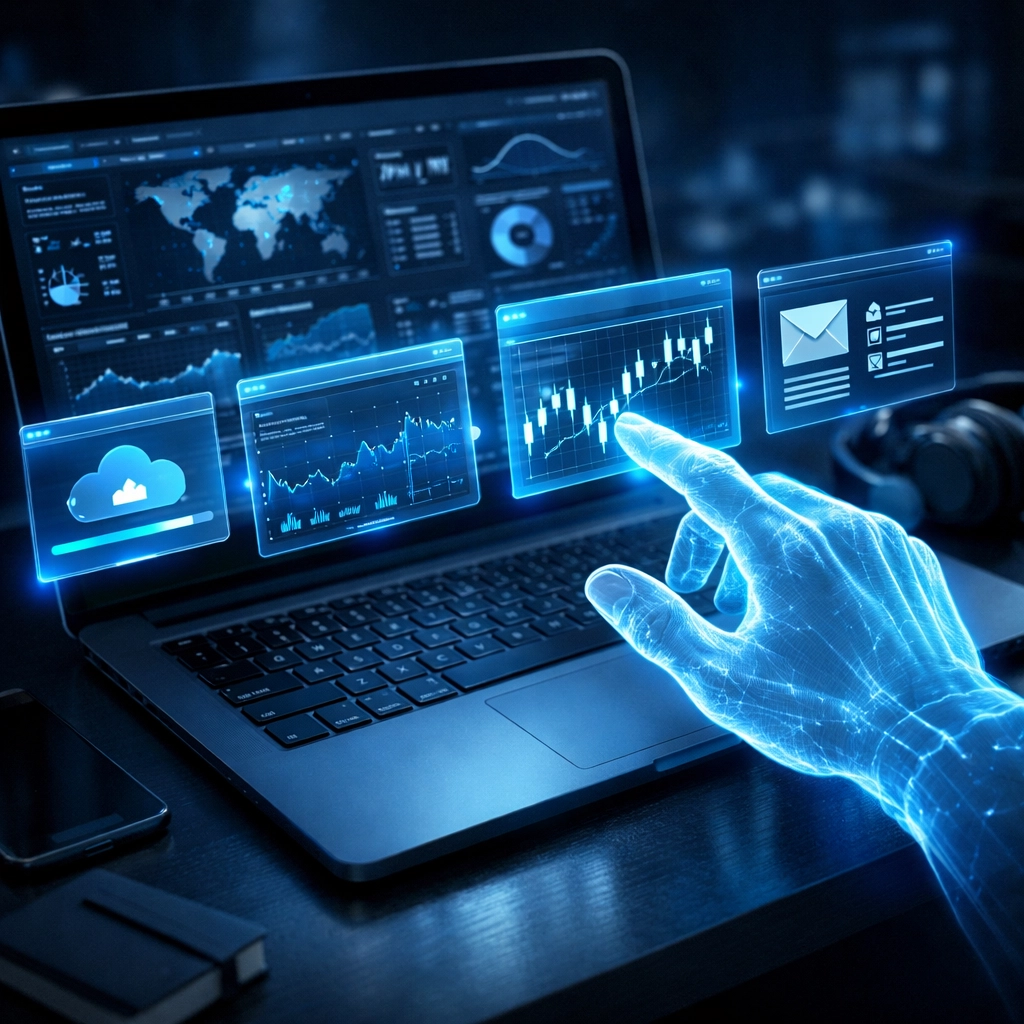
Anthropic recently pushed a major update to Claude that allows it to use a computer much like a human does. It can look at a Windows desktop, move a cursor, click buttons, and type text into any application. This is not a hidden backend integration or a specialized API for a single piece of software. It is a general-purpose ability to navigate the same interface you use every day.
For business owners and technology leaders, this transition from "chat" to "orchestration" is the most important development in automation for business we have seen this decade. It changes the conversation from what AI can say to what AI can do.
Moving from Talk to Action
Most AI interactions today are siloed. You go to a browser, ask a question, get an answer, and then manually copy that data into an Excel sheet or a CRM. The "human" is the bridge between the AI and the actual work environment. This manual bridging is where productivity slows down and errors creep in.
Claude’s new computer use tool removes that friction by allowing the model to interpret what is happening on your screen in real-time. It takes frequent screenshots to understand the context of the open windows. If you ask it to "find the latest invoice in my email and enter the data into the accounting software," it doesn't just tell you how to do it. It identifies the Outlook icon, opens the message, identifies the PDF, switches to the accounting app, and types the numbers into the correct fields.
This is a fundamental shift in how we think about software. In the past, we needed complex "integrations" to make two programs talk to each other. Now, the AI just uses the visual interface that already exists.
The Windows Factor and Desktop Workflows
The fact that this is rolling out with a heavy focus on Windows environments is no coincidence. While mobile apps and web tools are great, the vast majority of "deep work" in the corporate world still happens on a Windows desktop. From legacy ERP systems to complex supply chain management tools, much of the world's most important data lives in applications that don't have modern AI plugins.
By giving Claude the ability to navigate a standard PC environment, Anthropic has made it possible to automate the "un-automatable." You no longer need to wait for your 10-year-old proprietary software to get an AI update. The AI can simply "see" the software and interact with it. As a technology advisor, I see this as a massive win for mid-sized companies that rely on specialized software but lack the budget for massive custom coding projects.
Security and the New Surface Area
We cannot talk about an AI having "mouse and keyboard control" without talking about security. This is where the "nuclear option" comes into play. If an AI agent can navigate your computer to help you, it could theoretically be manipulated to do things you didn't intend.
Research has already shown that "prompt injection" can sometimes happen through the visual data the AI sees. For example, if the AI is reading a website that has hidden instructions in the text, it might try to execute those commands on your desktop. This creates a new security surface area that businesses must address immediately.
When we talk about managed IT services, we are now moving into the realm of "agentic security." It is no longer just about blocking viruses; it is about governing what your AI agents are allowed to do and which windows they are allowed to "see." Protecting your data in this environment requires a "walled garden" approach to ensure your sensitive information stays within your control.

Productivity Gains vs. Practical Risks
The potential for efficiency is staggering. Tasks that used to take six hours of log review or manual data entry can now be completed in minutes. We are seeing early adopters use these features for complex research where the AI navigates twenty different browser tabs, compiles a report, and saves it directly to a shared drive.
However, the risk of "hallucination in action" is real. If a chatbot hallucinates a fact, you might read something wrong. If an autonomous agent hallucinates a click, it might delete a file or send an unfinished invoice to a client. This is why the "human-in-the-loop" model remains critical. These tools should be viewed as high-speed interns that require clear boundaries and final approval before they hit "send" or "save."
We often help clients navigate these AI security mistakes before they become headline-level problems. The goal is to maximize the ROI of AI while keeping the blast radius of any potential error as small as possible.

Checklist: Preparing Your Business for Autonomous Agents
If you are considering implementing these types of computer-use tools, you need a structured approach. It is not as simple as turning it on and letting it run.
- Audit your permissions. Ensure that the computer the AI is "using" only has access to the files and folders absolutely necessary for the task.
- Use dedicated environments. Run these agents in virtual machines or sandbox environments rather than on a primary workstation containing sensitive personal data.
- Monitor the "eye." Regularly review the screenshots and logs the AI generates to ensure it is interpreting your UI correctly.
- Establish a verification step. Never allow an AI agent to perform a final "commit" action, like making a payment or deleting data, without a human clicking the final button.
- Consult a neutral advisor. Don't just take the vendor's word for it. Work with a partner who understands the broader landscape of business IT solutions.
The Big Picture: Context is King
The most successful AI implementations in 2026 aren't just about the smartest model. They are about the best context. Claude’s ability to "see" your screen gives it the environmental context it has been missing. It now knows that when you say "the report," you mean the Excel window that is currently open on the left side of your screen.
This spatial and contextual awareness is what makes automation feel "smart" rather than mechanical. It is the difference between a tool that follows a rigid script and a partner that understands what you are trying to accomplish.
At Zoller Consulting, we focus on making these complex transitions feel straightforward and hassle-free. We believe that technology should empower your team without adding a layer of unmanageable risk. Whether you are looking at AI, network infrastructure, or cybersecurity, our goal is to provide vendor-neutral guidance that prioritizes your business outcomes.
Final Thoughts on the Quiet AI Revolution
We are moving past the hype of what AI might do. We are now in the era of what AI is doing on your desktop right now. This shift toward computer use and autonomous navigation is the beginning of a much larger trend where your PC becomes a self-operating environment.
It is an exciting time, but it requires a steady hand on the wheel. As you explore these new features, remember that the most scalable and efficient systems are the ones built on a foundation of security and clear strategy.
Zoller Consulting, powered by OTG Consulting, is here to help you cut through the noise and find the solutions that actually move the needle for your business. We provide access to hundreds of pre-vetted global providers, ensuring you get the best fit for your specific needs: from AI and cloud to SASE and SD-WAN.
Ray Zoller, President of Zoller Consulting, is an independent Broker/Advisor helping businesses streamline their technology stacks with confidence.
otgai.ai
Ready to talk technology?
Whether you're evaluating AI, cybersecurity, networking, or any business technology — Zoller Consulting can help you find the right solution without vendor bias.
Schedule a Free Consultation →